Thursday, July 30th, 2026
Pic of load-and-log on gohacker.info that i've been working on lately. Lots todo yet.
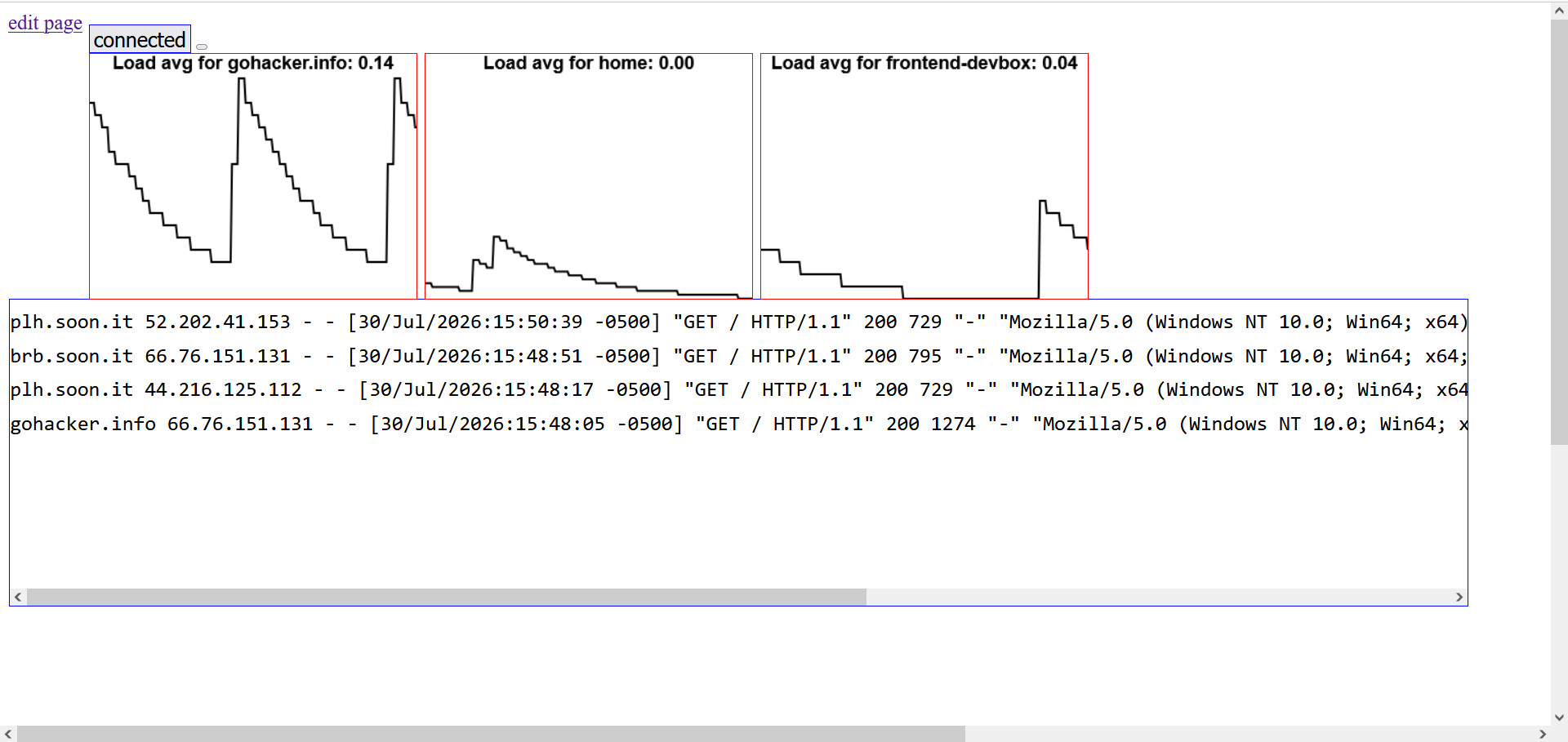
Pic of load-and-log on gohacker.info that i've been working on lately. Lots todo yet.
This is today's post and Todo/Done lists
Done list
  import datetime
  print (datetime.datetime.fromtimestamp(1781143074))
  # this did the trick - got next posts date of June 10th back in page.
I had just popped onto this page to note what I learned from claude today. I was trying to stream from an app on my iphone to my server. It seems to use uPNP to get a world facing IP no problem, but I couldn't get the ffmpeg settings just right to stream the audio that it was recording to encode quite right. VLC had no problem reading the mp4 that ffmpeg was making and giving me audio, but not when I used ffmpeg to read the rstp output and encode it... Don't recall ever using ffprobe to check whether a stream had audio before or not, need to note those command lines lol. Had to make a small shell script as the lines were getting un-usefully long to keep copying/pasting to my shell... I did have video working, but the ads on that free app really annoy me lol. Much better video than from my ancient old webcam.
Had to go and edit some parens out of image file names so my Perl/Tk image viewer could load them properly. Took me a minute or ten longer than it should have - very old code lol, like 2011'ish
for i in `ls *.jpg|grep "("`;
  do
  F=`echo $i | sed "sx(xx"|sed "sx)xx"`;
  echo $i $F;
  mv $i $F;
  done
Moved ssh access from FedoraServer zone to Trusted zone using firewall-cmd.
Allowed http/https access too.
Noted that outage on our internet the other day had changed my IP address.
Fixed sub auth{} in cms3.pm to allow posting from the new IP.
firewall-cmd --zone=Trusted --add-zone=192.168.1.20
firewall-cmd --zone=Trusted --add-zone=192.168.1.20 --permanent
firewall-cmd --zone=Trusted --add-service=ssh
firewall-cmd --zone=Trusted --add-service=ssh --permanent
firewall-cmd --zone=Trusted --add-service=http
firewall-cmd --zone=Trusted --add-service=https
firewall-cmd --zone=Trusted --add-service=http --permanent
firewall-cmd --zone=Trusted --add-service=https --permanent
firewall-cmd --zone=FedoraServer --remove-service=ssh
firewall-cmd --zone=FedoraServer --remove-service=ssh --permanent
# logged in a new terminal to verify. # note: my actual home IP isn't .1.20 =)